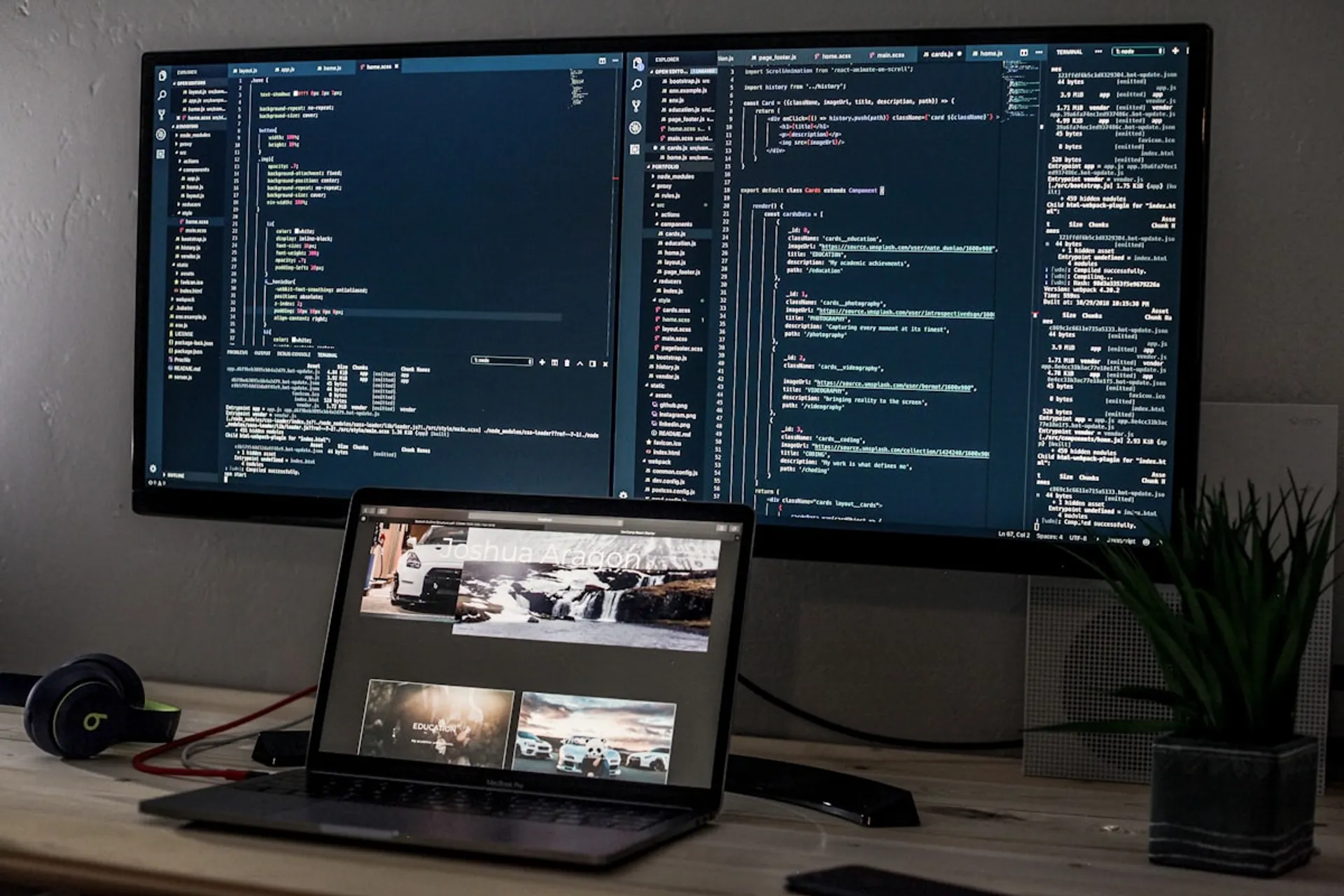
After 741 commits and months of development (interspersed with actual work), I finally have my portfolio in production. I didn’t want to make “just another generic portfolio site”, so I set out to build something that would serve as a technical showcase, content hub, and idea laboratory.
In this post I share everything: the technical decisions, the problems I encountered, how I solved them, and what I learned in the process. It’s long, but if you’re thinking about building your own portfolio or want to see how I think through a project from start to finish, it’s all here.
The technical stack
Why Astro
The most important decision was choosing Astro as the main framework. A portfolio doesn’t need dynamic server-side rendering — I want pre-rendered, fast, cacheable pages.
The main reasons:
- Native SSG — Static pages by default, no unnecessary JavaScript
- Islands Architecture — Interactive components only where I need them
- Content Collections — Type-safe content system built-in, perfect for blog and projects
- Performance by default — Astro optimizes aggressively without me having to fight against the framework
I considered Next.js and Remix, but both are optimized for dynamic applications. For a mostly static site with some interactive islands, Astro was the obvious choice.
React for interactive islands
I use React 19 for components that need interactivity: Command Palette, testimonials carousel, project filters, skills radar chart, and interactive timeline.
The trick is to use Astro’s directives to control when each component hydrates:
<!-- Hydrates when entering viewport --><TestimonialsCarousel client:visible />
<!-- Hydrates immediately - for critical components --><CommandPalette client:load />
<!-- Hydrates when browser is idle --><RadarChart client:idle />Strict TypeScript
TypeScript 5.7 with strict configuration. No any. When I don’t know the
type, I use unknown with type guards.
// ❌ Forbiddenfunction processData(data: any) { ... }
// ✅ Correctfunction processData(data: unknown) { if (isValidData(data)) { // Now TypeScript knows what it is }}The benefit: I can refactor with confidence. If I change a type, TypeScript shows me all the places I break.
The rest of the stack
- Tailwind CSS — Utility-first, fast to iterate
- CSS + Web Animations API — For animations (migrated from GSAP, more on this below)
- Fuse.js — Client-side fuzzy search
- Biome — Linting and formatting (ESLint + Prettier replacement)
- Vitest + Playwright — Unit and E2E testing
Project architecture
Folder structure
qazuor.com/├── src/│ ├── components/ # 120+ organized components│ │ ├── sections/ # Page sections│ │ ├── ui/ # Reusable components│ │ ├── interactive/ # React components│ │ └── seo/ # JSON-LD and meta tags│ ├── content/ # 108+ content files│ │ ├── blog/│ │ ├── projects/│ │ ├── snippets/│ │ └── testimonials/│ ├── integrations/ # Custom Astro integrations│ ├── scripts/ # Animation and behavior scripts│ └── styles/ # Global and generated CSS└── public/ # Static assetsContent Collections
Astro Content Collections give me static typing for all content. I defined 7 collections (blog, projects, snippets, css-tricks, tools, useful-links, testimonials).
// src/content/config.ts (simplified)const blogCollection = defineCollection({ type: 'content', schema: ({ image }) => z.object({ title: z.string(), excerpt: z.string(), publishDate: z.date(), tags: z.array(z.string()), image: image(), series: z .object({ id: z.string(), name: z.string(), part: z.number(), }) .optional(), }),});The benefit: if I forget a required field or use the wrong type, Astro warns me at build time. No broken posts in production.
Custom integrations
I created 5 custom Astro integrations to automate tasks at build time:
- Search Index Generator — Generates search index
- Social Blog Data — Exports metadata for social media
- Testimonial Avatars Downloader — Downloads external avatars to local
- Color Interpolation Generator — Generates gradients between sections
- Giscus Theme Generator — Generates custom themes for comments
Main features
Internationalization (i18n)
The site supports English and Spanish. Each page has its version in both
languages with prefixed routes (/en/blog, /es/blog).
A problem I encountered: initially I tried lazy-loading translations, but in SSG this provides no benefits. Astro pre-bundles everything at build time, so lazy loading only added complexity without gains. I learned this after wasting hours on an “optimization” that optimized nothing.
Command Palette
Ctrl+K (or Cmd+K on Mac) opens a global search with fuzzy search using
Fuse.js. Results grouped by type, keyboard navigation, and quick shortcuts for
main pages.
Interactive timeline
24 events from my career from 1980 to 2025. The component has 3 layers:
- TimelineWrapper (Astro) — Detects theme and maps colors
- TimelineContent (React) — Scrollable layout with controls
- useTimelineAnimation (Hook) — State, auto-play, touch gestures
Important optimization: timeline icons went from 393KB in JS chunks to 2.6KB using SVG sprites. A 99.3% reduction.
Blog with smart navigation
- Table of Contents — Fixed sidebar with scroll spy using IntersectionObserver
- Related posts — Relevance algorithm based on tags and category
- Series — Posts can belong to a series with prev/next navigation
Animated dividers
Between each section there are animated SVG dividers with interpolated color gradients. An integration generates CSS at build time with 5 intermediate steps for each color transition.
Real problems and how I solved them
This is the most valuable part of the post. All these problems come from the project’s actual git history.
The GSAP to native CSS migration
The problem: GSAP + Lenis totaled ~34KB of gzipped JavaScript. For a portfolio, that was too much weight for animations that could be done another way.
The solution: In commit 58ffe5d I did a complete migration:
| Before | After |
|---|---|
| GSAP timeline | Web Animations API |
| GSAP ScrollTrigger | IntersectionObserver + CSS |
| Lenis smooth scroll | scroll-behavior: smooth |
| Custom scroll hooks | Native scrollIntoView() |
I removed 1530 lines of code and added 445. The result: same functionality, 34KB less JavaScript.
// Before: custom hook with GSAPconst { ref } = useScrollAnimation({ animation: 'fadeInUp', duration: 0.8,});
// After: CSS + IntersectionObserver// src/scripts/scroll-reveal.tsconst observer = new IntersectionObserver((entries) => { entries.forEach((entry) => { if (entry.isIntersecting) { entry.target.classList.add('animate-visible'); } });});DOM mutations killing mobile performance
The problem: The mobile performance score was low (~60) due to “Avoid large layout shifts” and “Reduce DOM size”.
The cause: Several components used JavaScript for animations that constantly mutated the DOM:
- Typewriter effect
- Rotating roles in the hero
- Trust badges marquee
- Testimonials carousel
The solution: I migrated everything to CSS-only animations:
/* Before: JavaScript mutating DOM every frame *//* After: CSS animation */.typewriter-text { overflow: hidden; border-right: 2px solid; white-space: nowrap; animation: typing 3.5s steps(40, end), blink 0.75s step-end infinite;}
@keyframes typing { from { width: 0; } to { width: 100%; }}Relevant commits: a079b41, 1f4ba25, 33af274, 3c1b720.
Hydration mismatches with React
The problem: Hydration errors in console: the server rendered one thing and the client expected another.
The cause: Components that depended on window or localStorage during
initial render.
The solution: SSR guards and safe default values:
// ❌ Causes hydration mismatchconst [theme, setTheme] = useState(localStorage.getItem('theme') || 'dark');
// ✅ Correctconst [theme, setTheme] = useState('dark');useEffect(() => { setTheme(localStorage.getItem('theme') || 'dark');}, []);Commit: 096d590.
LinkedIn 403 on testimonial avatars
The problem: Testimonial avatars came from LinkedIn, but on each build LinkedIn returned 403 Forbidden.
The cause: LinkedIn blocks automated requests to their image CDN.
The solution: I downloaded the avatars once and committed them to the repo. I created an integration that uses local fallback when download fails:
async function downloadAvatar(url: string, filename: string) { try { const response = await fetch(url); if (!response.ok) throw new Error('Download failed'); // ... save to local } catch { console.log(`Using git fallback for ${filename}`); // Avatar already exists in repo }}Commits: 7a9fd59, 1612f8e.
Touch targets too small
The problem: Lighthouse reported “Touch targets are not sized appropriately” for carousel and timeline dots.
The solution: I expanded the touch area to 44px (the minimum recommended by WCAG):
.carousel-dot { /* Visual: 8px */ width: 8px; height: 8px;
/* Touch target: 44px with padding */ padding: 18px; margin: -18px;}Commits: b2e5617, a02083a.
View Transitions and scripts not re-executing
The problem: After navigating with View Transitions, scripts didn’t re-execute. This broke blog callouts, component initialization, and any script that depended on new content.
The solution: A centralized lifecycle system that dispatches custom events after swap:
// The transition component dispatches a custom eventdocument.addEventListener('astro:before-swap', (event) => { event.swap = async () => { await animateOverlayIn(); event.defaultSwap(); document.dispatchEvent(new CustomEvent('qazuor:content-ready')); await animateOverlayOut(); };});
// Components listen to this eventdocument.addEventListener('qazuor:content-ready', () => { enhanceCallouts();});This was a days-long rabbit hole. Astro documentation doesn’t cover this case well.
Performance optimization
Current metrics
Desktop:
- Performance Score: 100
- LCP: 0.7s
- CLS: 0
- FCP: 0.5s
- Speed Index: 0.7s
Mobile:
- Performance Score: 89
- LCP: ~2.0s
- CLS: 0
- Speed Index: 2.0s
Metrics obtained from PageSpeed Insights. Values may vary depending on network conditions.
Strategies that worked
Inline critical CSS — ~2KB of critical hero styles in <style is:inline>.
Selective font preloading — Only 3 critical fonts (Inter 400/600/700). The rest loads later.
Image optimization — Sharp for build-time optimization, preload of LCP image, lazy loading for below-the-fold.
CSS-only animations — As mentioned above, migrating from JS to CSS eliminated DOM mutations and significantly improved mobile score.
What DIDN’T work
Lazy loading translations in SSG — In Astro SSG everything is resolved at build time. Lazy loading only added complexity without real benefit.
Too many small chunks — Initially I had very granular chunks. This caused more HTTP requests than the cacheability benefit.
Testing
Strategy
- Unit tests (Vitest): Utility logic, helpers, transformations
- Component tests: Isolated React components
- E2E tests (Playwright): Complete user flows
- Accessibility tests: WCAG compliance with axe-core
5 main E2E suites: Accessibility, Command Palette, Contact Form, Homepage, Services.
test('homepage meets WCAG AA', async ({ page }) => { await page.goto('/en/'); const violations = await new AxeBuilder({ page }).analyze(); expect(violations.violations).toHaveLength(0);});Project statistics
- 741 commits since September 2025
- 120+ components organized by type
- 108+ content files (blog, projects, snippets, etc.)
- 5 custom Astro integrations
- 2 languages with complete translations
- ~34KB less JS after removing GSAP/Lenis
Lessons learned
What I’d do the same
- Astro for static content — The best decision of the project
- Strict TypeScript — Saved me from countless bugs
- Content Collections — Type-safe content is a game changer
- CSS-first animations — Should have started this way, not migrated later
What I’d do differently
- Start with fewer features — Scope creep is real
- Define design system beforehand — Wasted time remaking components
- Mobile-first from day 1 — Avoided refactoring later for mobile
- Don’t use heavy animation libraries — The GSAP migration was unnecessary if I had started with CSS
Advice if you’re building your portfolio
- Don’t copy templates — Build something that reflects how you think
- Prioritize performance — A slow portfolio is a bad first impression
- Include real content — Blog posts, projects, code that shows your work
- Make it maintainable — You’ll want to update it. If it’s a pain, you won’t
- Measure everything — Analytics, Lighthouse, Core Web Vitals. What you don’t measure, you don’t improve
Next steps
The portfolio is in production but continues evolving:
- Add more projects with detailed case studies
- Implement newsletter
- Add more interactive CSS tricks
- Experiment with new CSS animations
Closing
Building a portfolio from scratch is a project that never really “ends”. But reaching this point, with a functional site that represents well what I do, was a valuable exercise.
If anything from this post helps you, or you have questions about any specific implementation, write me. The code is open source on GitHub, so you can also explore the repo directly.
The best portfolio is one that demonstrates you can build something real, not just that you know how to copy tutorials.
— qazuor